Room for a growing fleet
Search and pagination help you reach the right device without expanding every service.
Connect to your devices with the desktop or Android app. Manage devices and access permissions from the web console. Get to know EdgeSocket through its actual screens.
Development version · Actual interfaces, example scenarios
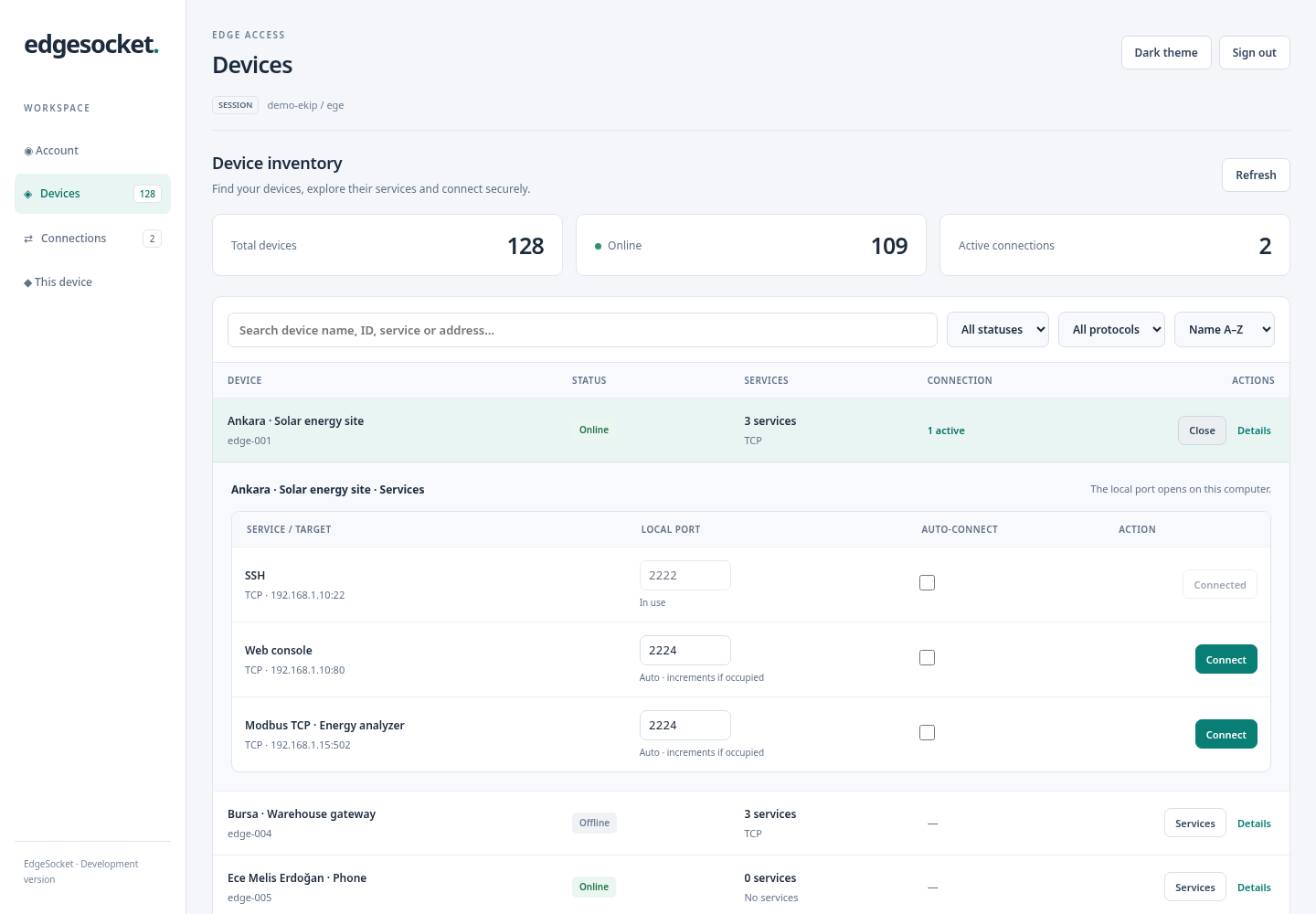
The desktop app’s current device screen. Open any screenshot to inspect it at full size.
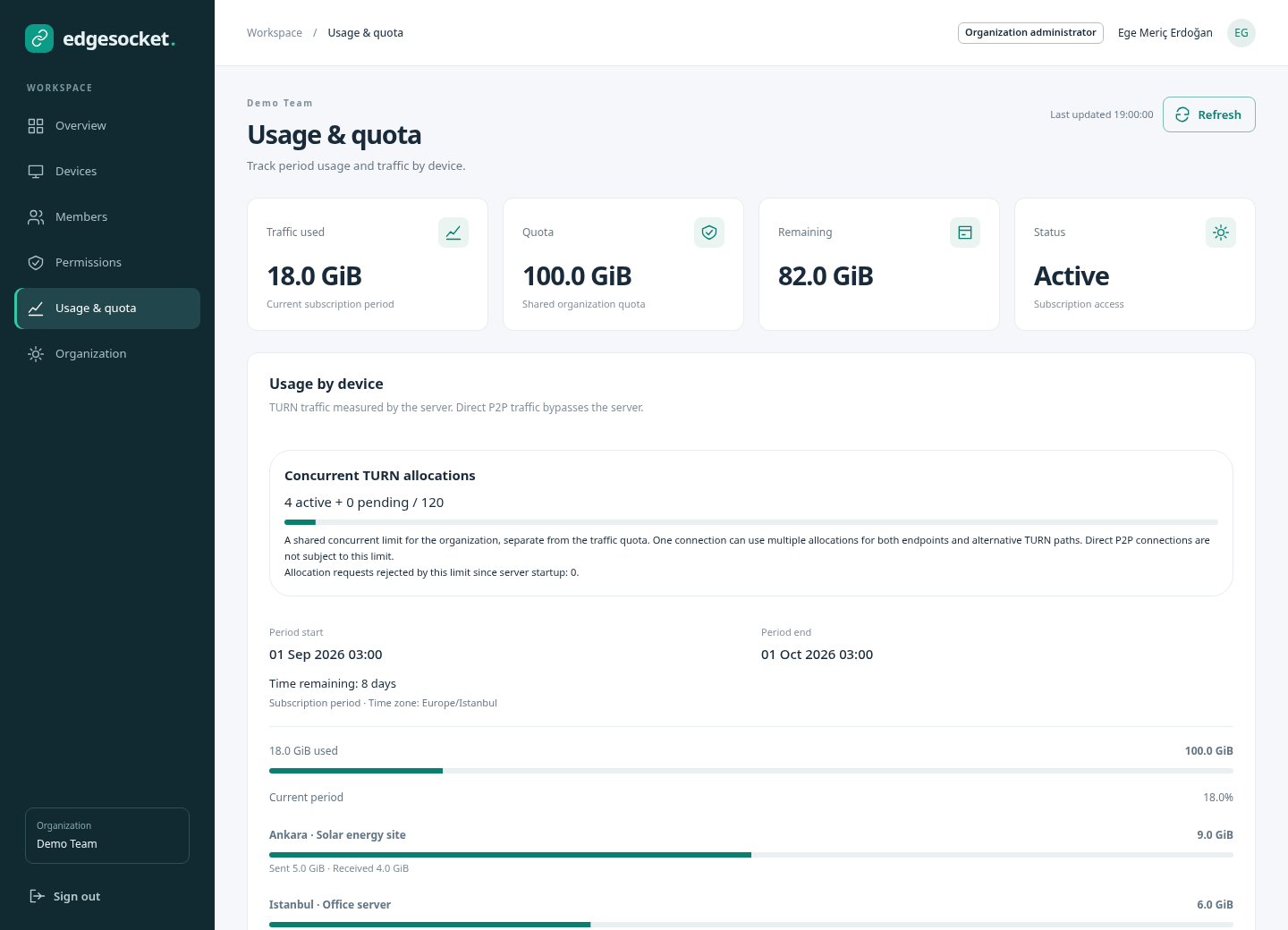
The /app console brings your organization’s devices, members and usage into the browser. Organization administrators can manage device access for each team member.
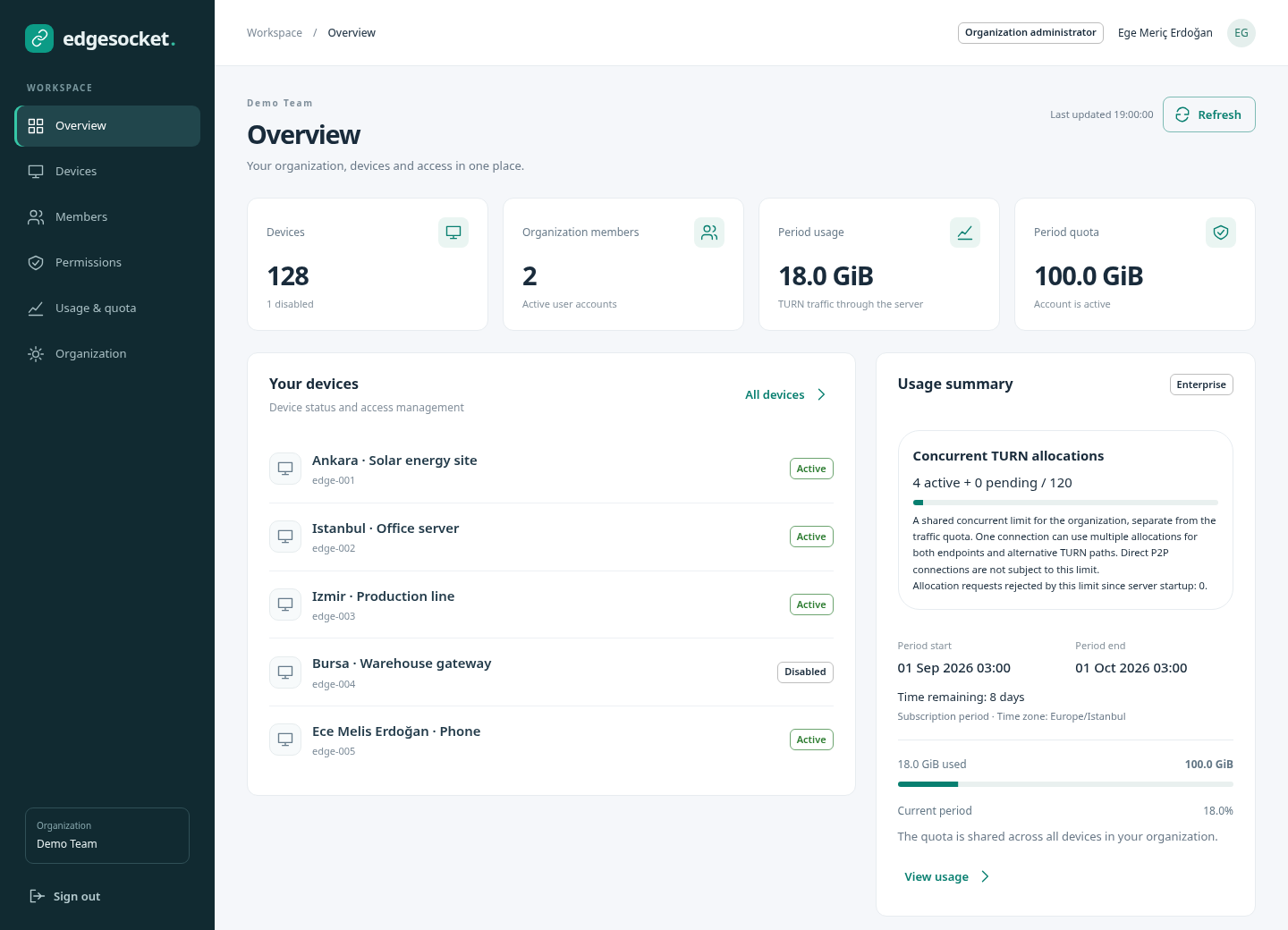
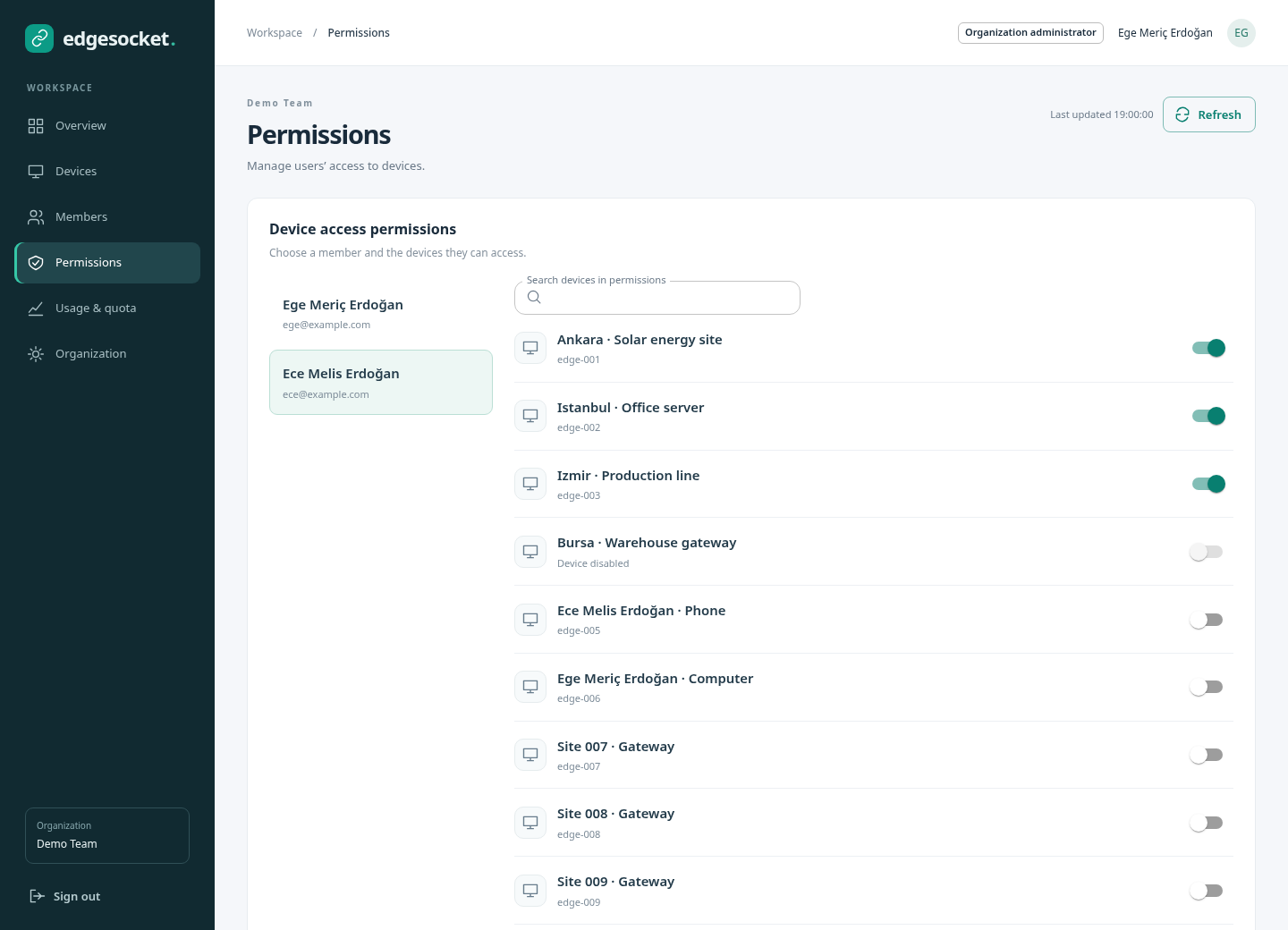
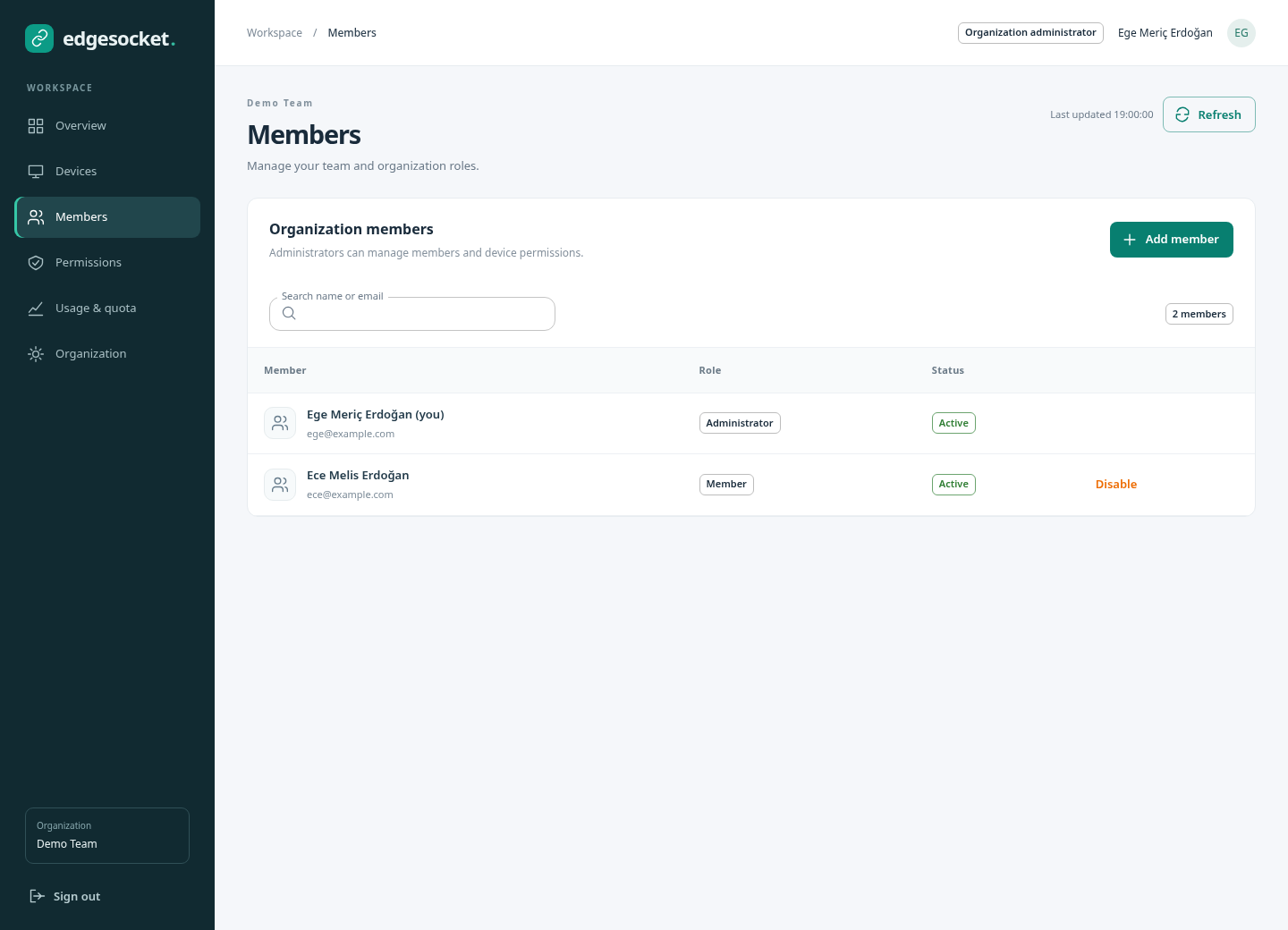
Keep an overview as your fleet grows. Search by device, service or address, filter the list, and expand only the device you need.
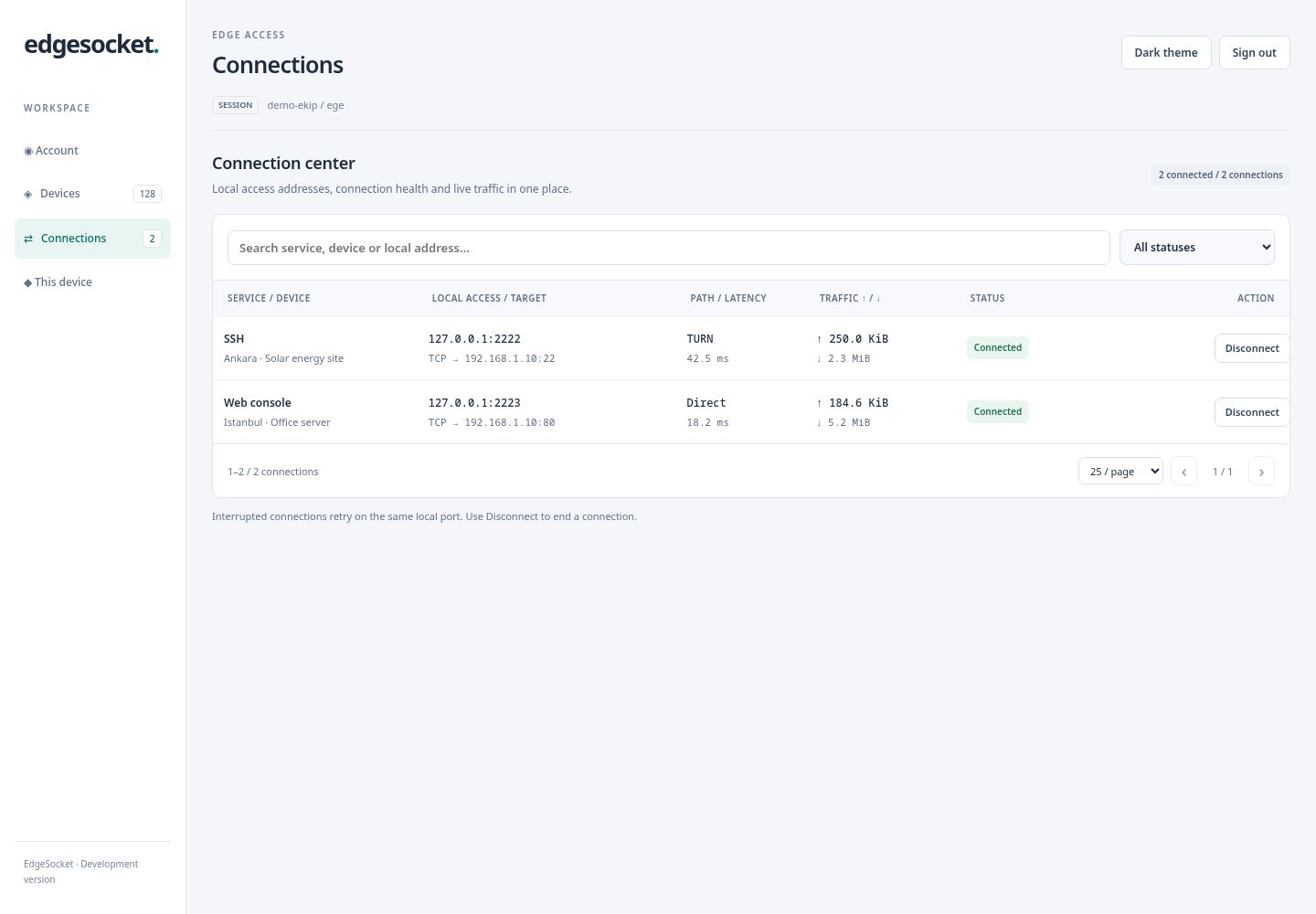
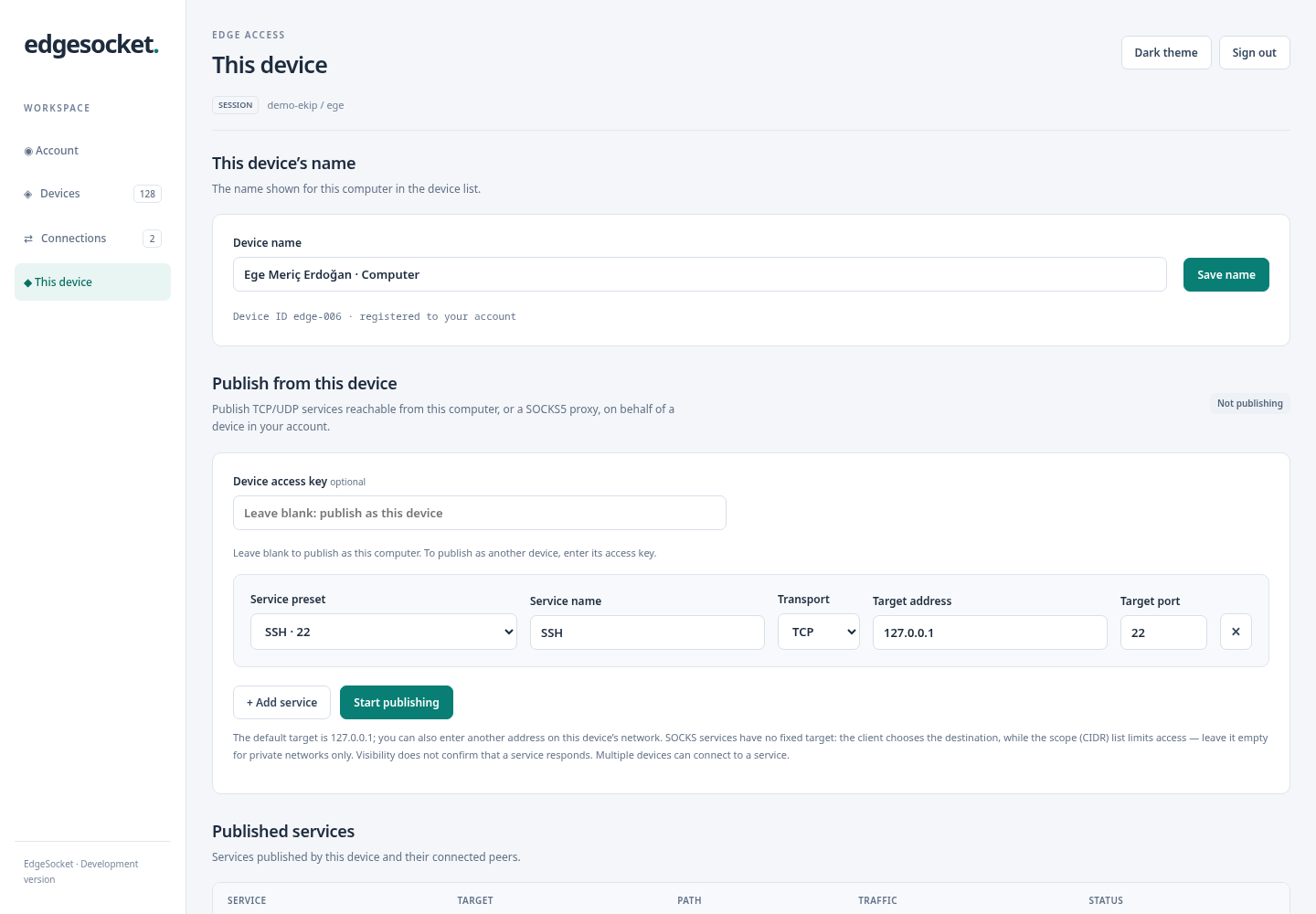
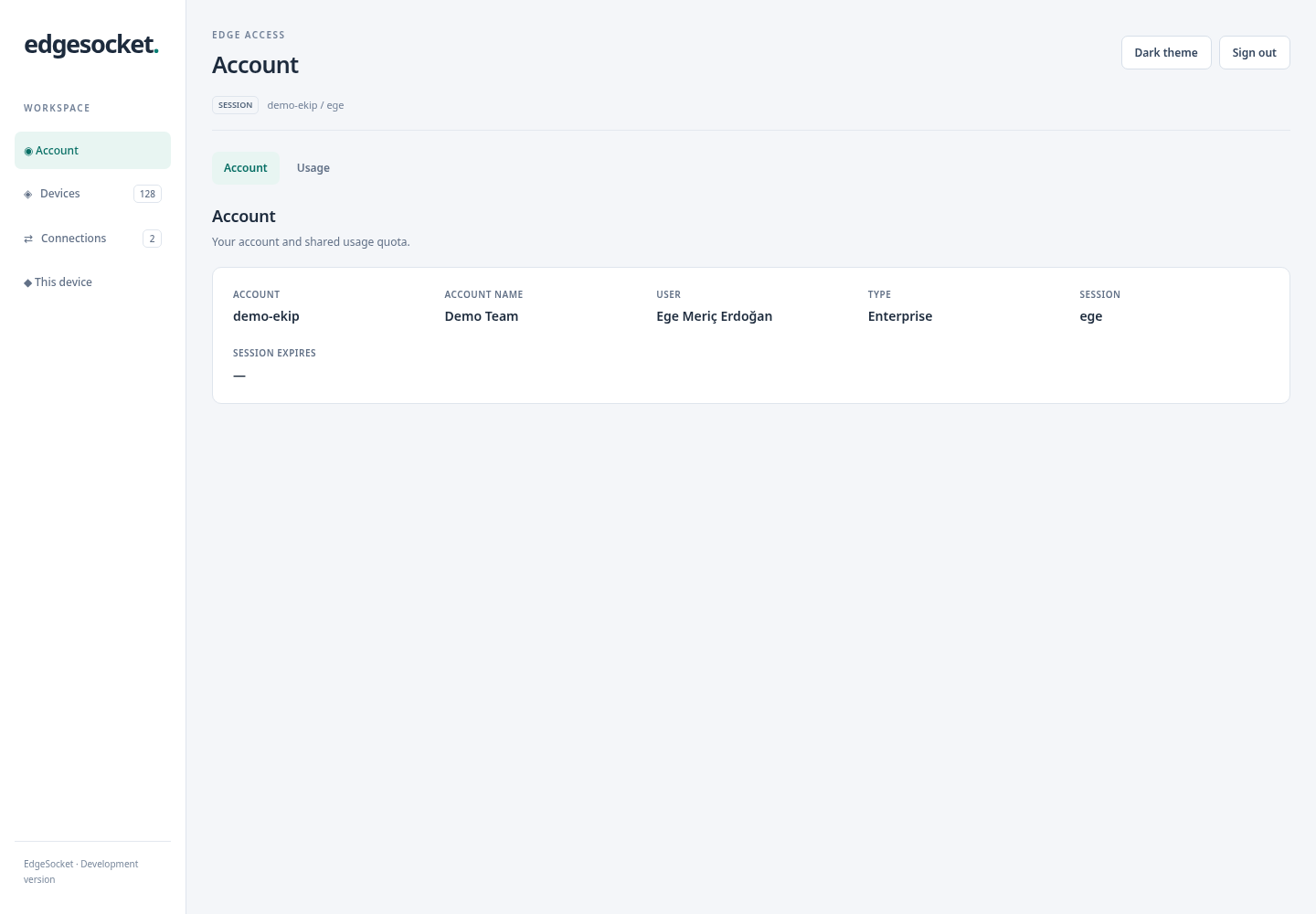
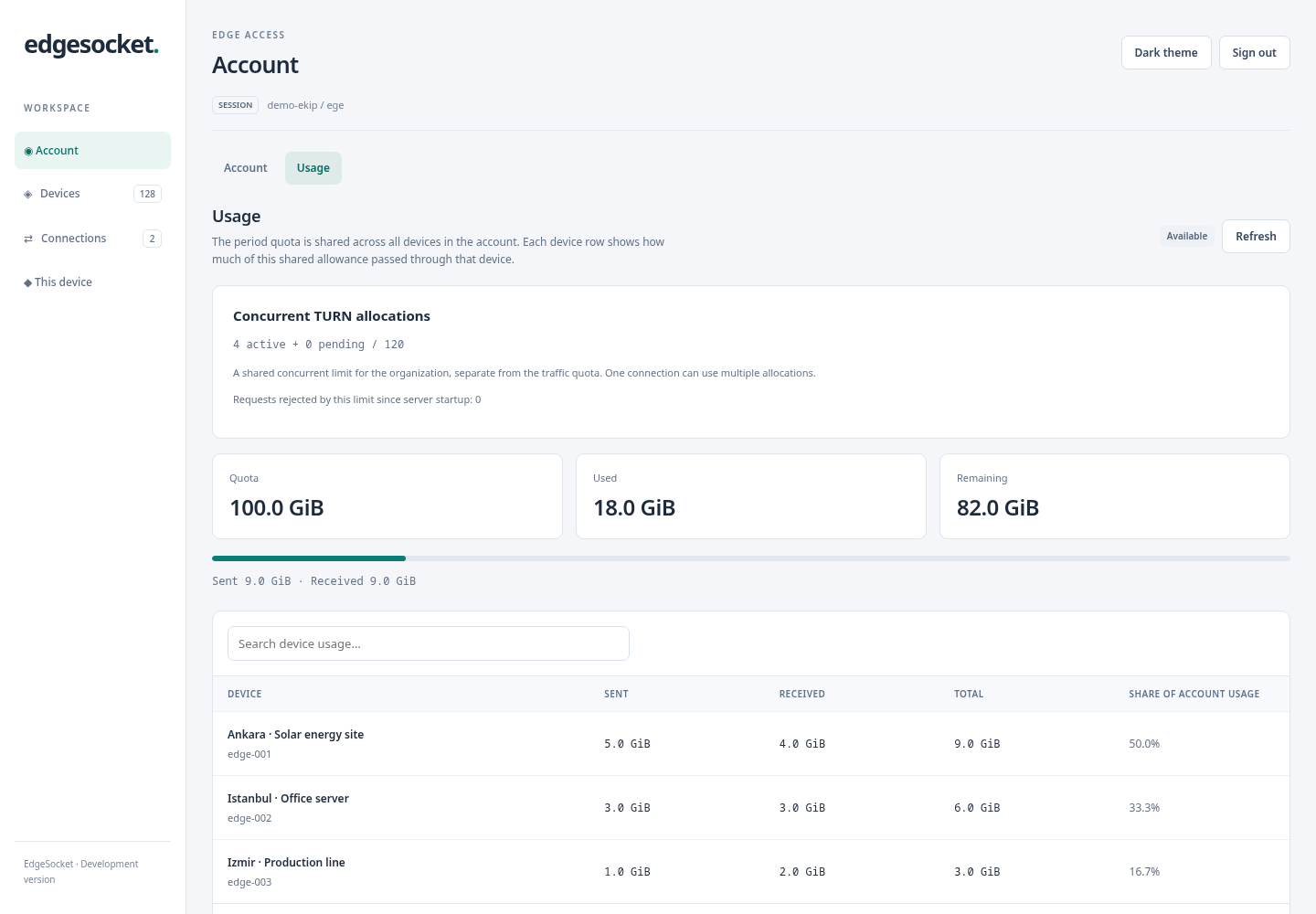
Search and pagination help you reach the right device without expanding every service.
Point your SSH client, browser or database tool at the local forwarded address. Your service’s own login still applies.
EdgeSocket applies no data transfer quota to direct P2P connections. Application data flows between the two devices without passing through the relay or consuming the TURN traffic quota. There is no added relay-hop latency; overall latency depends on the devices’ network conditions.
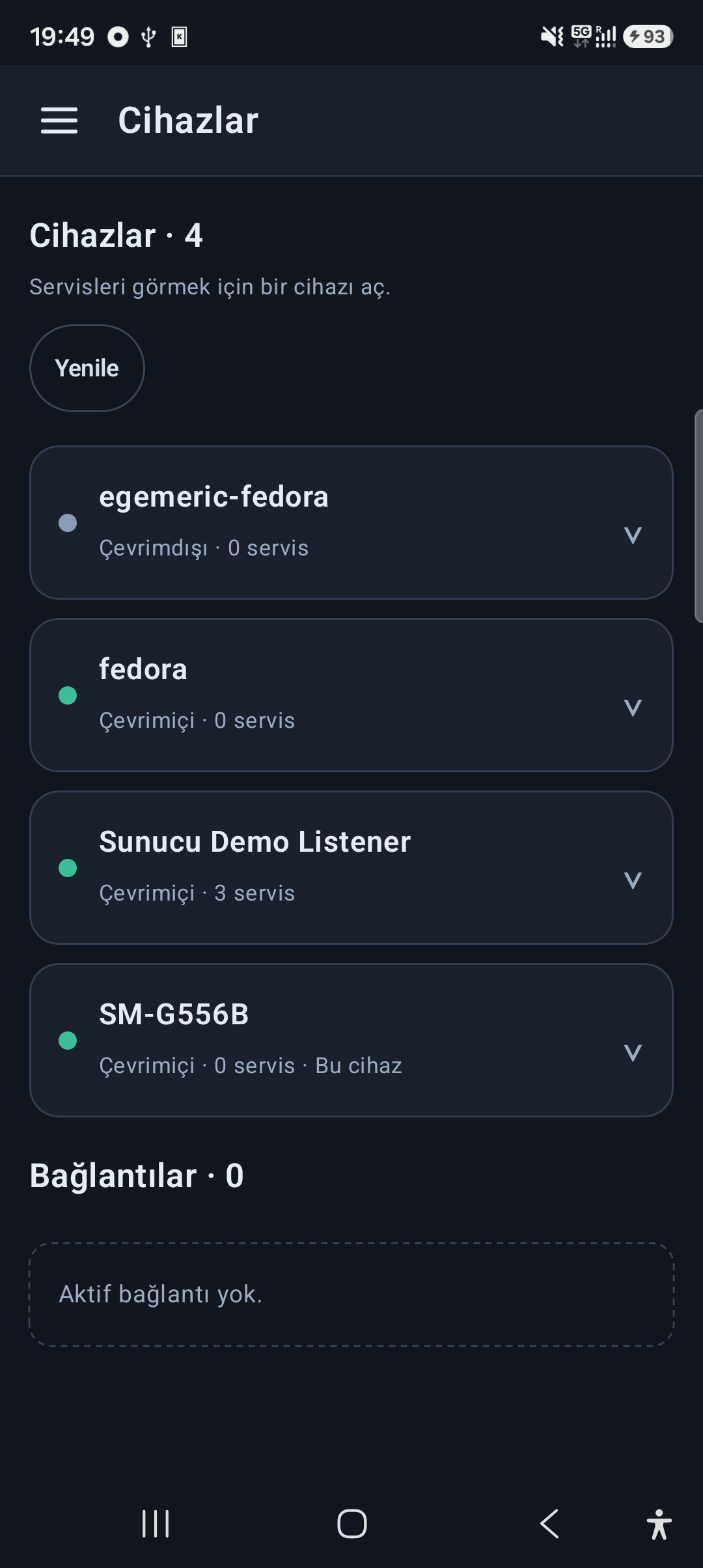
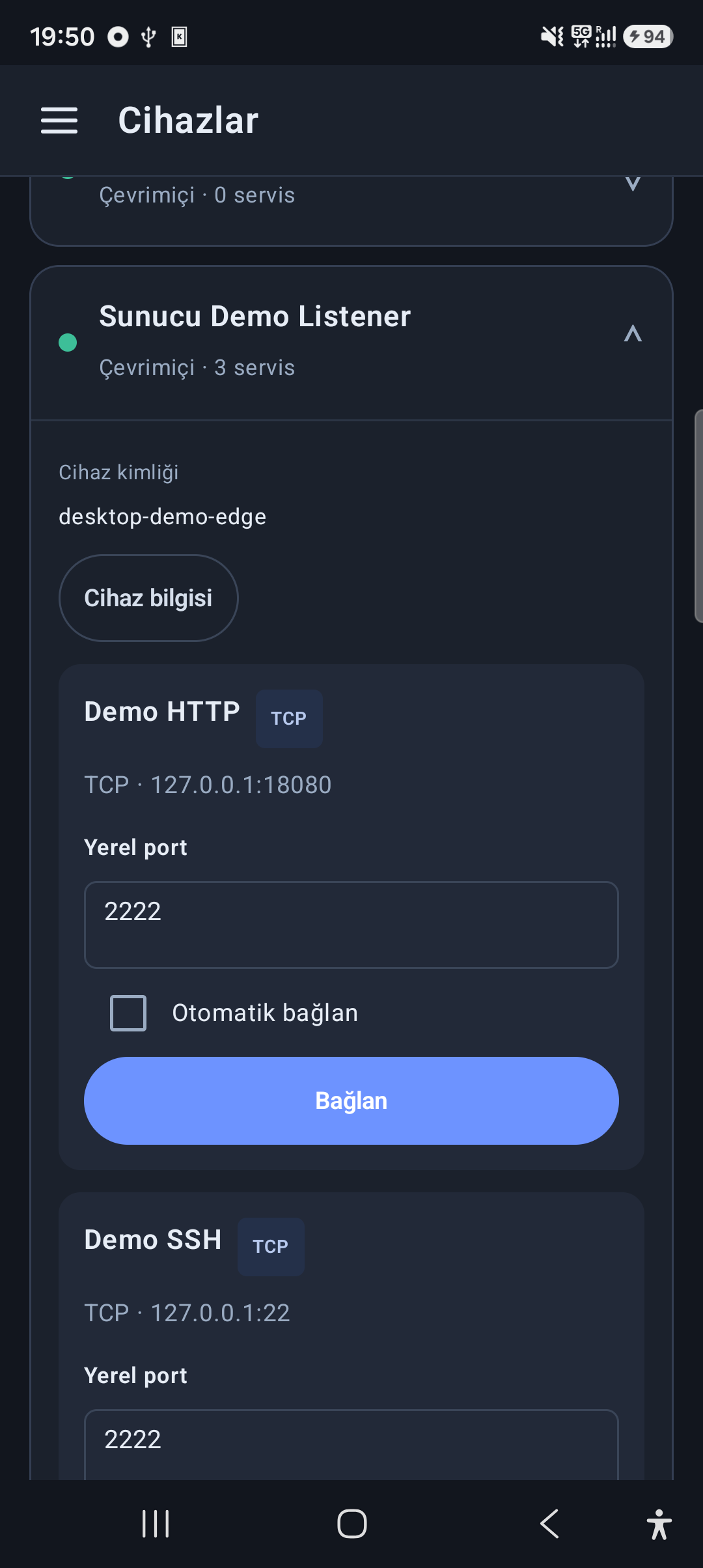
Browse your authorized devices from your phone. Expand a device, choose a service, and follow the connection status on a screen built for mobile.
Tell us about your devices, services and team. Help shape EdgeSocket’s development around real use cases.
Desktop and web screenshots use example data in the actual interfaces; Android screenshots come from a physical phone. Names and scenarios are illustrative, not customer testimonials. Desktop and web captures are localized into English for this showcase; Android is shown in Turkish. Connectivity depends on network conditions, device permissions and available capacity. EdgeSocket is still in development.